
Partner
Top pick AI Image Tools
ColorBliss
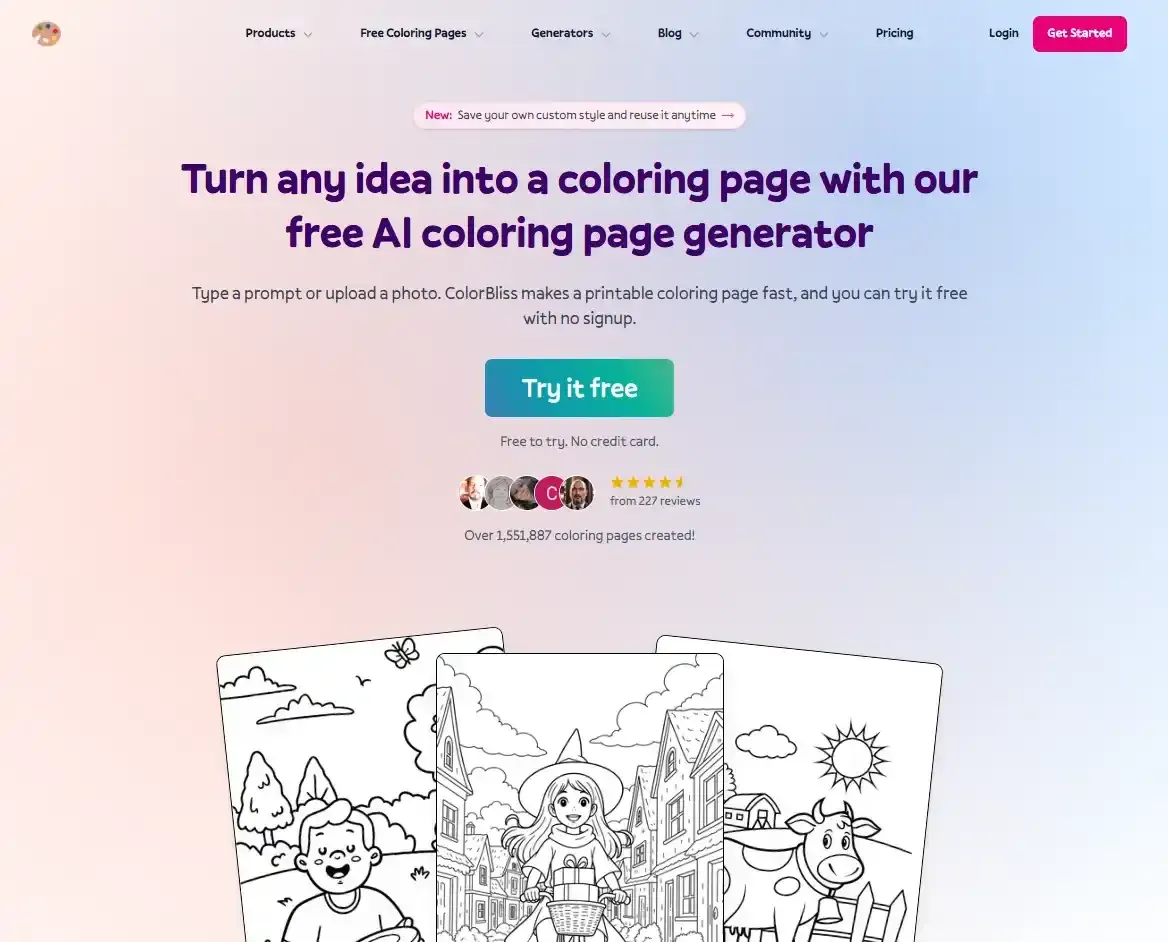
Describe an idea or upload a photo: ColorBliss turns it into a printable coloring page in a few clicks.
Tested by Kolorii : Read our ColorBliss reviewThe Kolorii Toolbox
Our own tools and the ones we have tested: color on your screen, create your own images and coloring pages with AI, and find colors that work together. Every link is labeled, so you always know what is ours, what is a partner and what is sponsored.
The tools we recommend first.
AI Image Tools
Describe an idea or upload a photo: ColorBliss turns it into a printable coloring page in a few clicks.
Tested by Kolorii : Read our ColorBliss review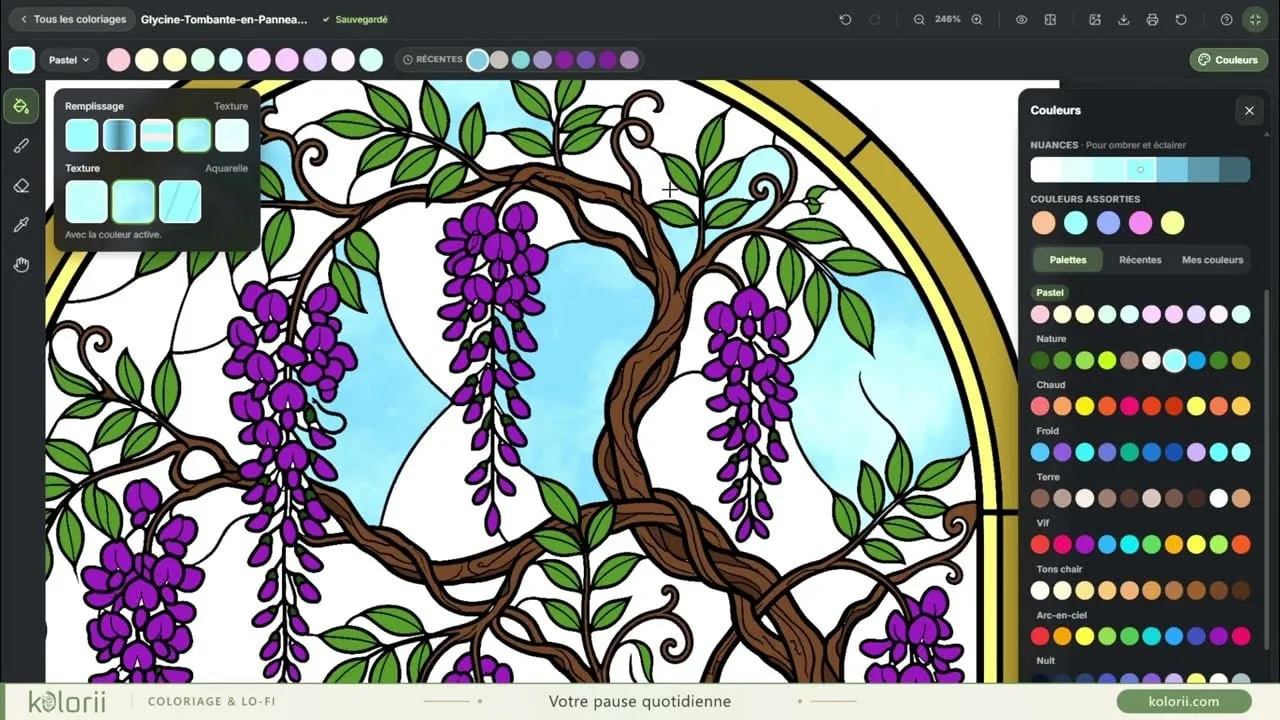
Coloring
Color right in your browser, nothing to install: mandalas, flowers, landscapes, with five ways to fill an area.
Turn a text prompt or a photo into your own images and coloring pages.
AI Image Tools
Describe an idea or upload a photo: ColorBliss turns it into a printable coloring page in a few clicks.
Tested by Kolorii : Read our ColorBliss review Describe an idea or upload a photo: ColorBliss turns it into a printable coloring page in a few clicks.
AI Image Tools
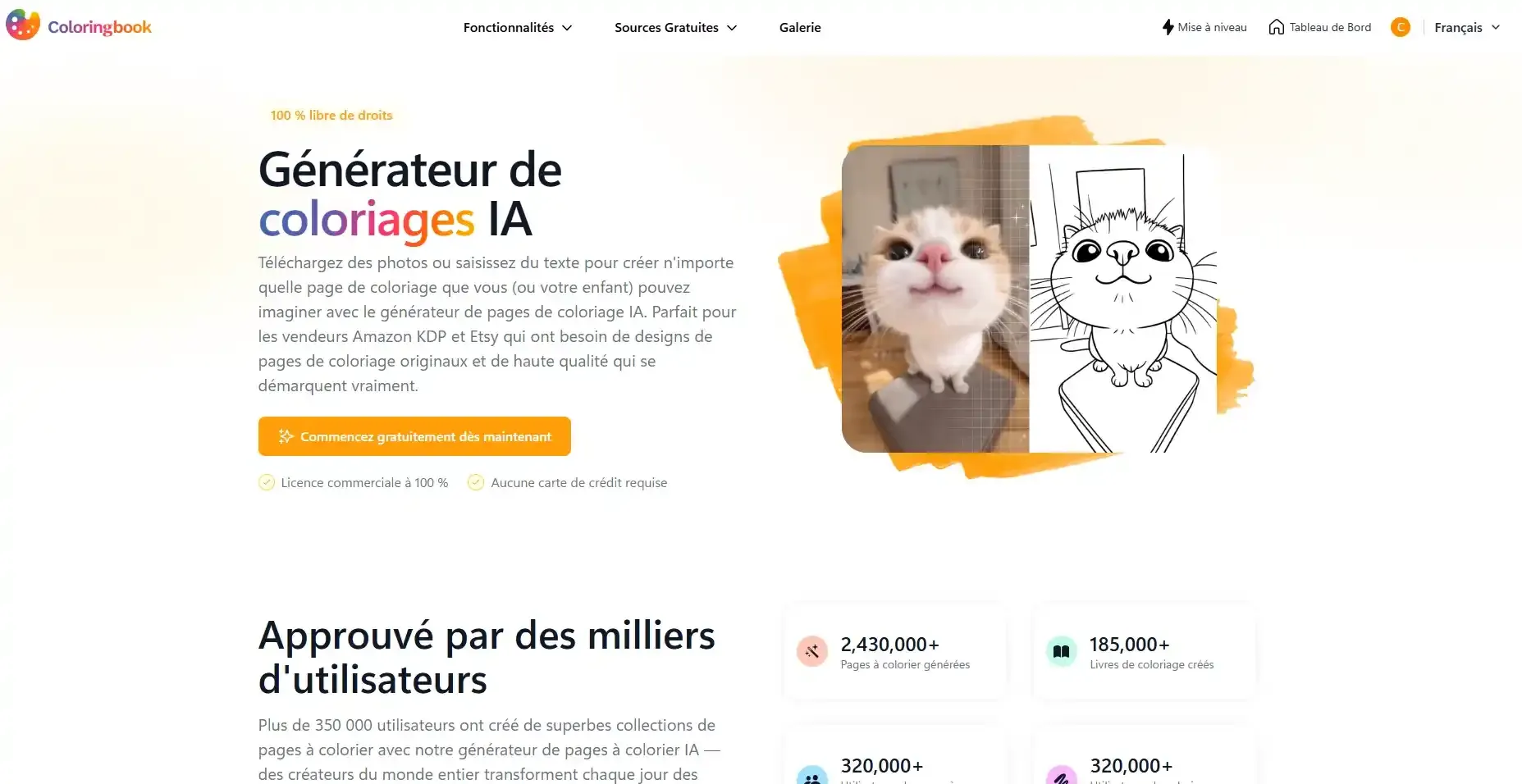
The richest of the three we tested: it builds whole coloring books, with a print-ready PDF export.
Tested by Kolorii : Read our ColoringBook.ai review The richest of the three we tested: it builds whole coloring books, with a print-ready PDF export.
AI Image Tools
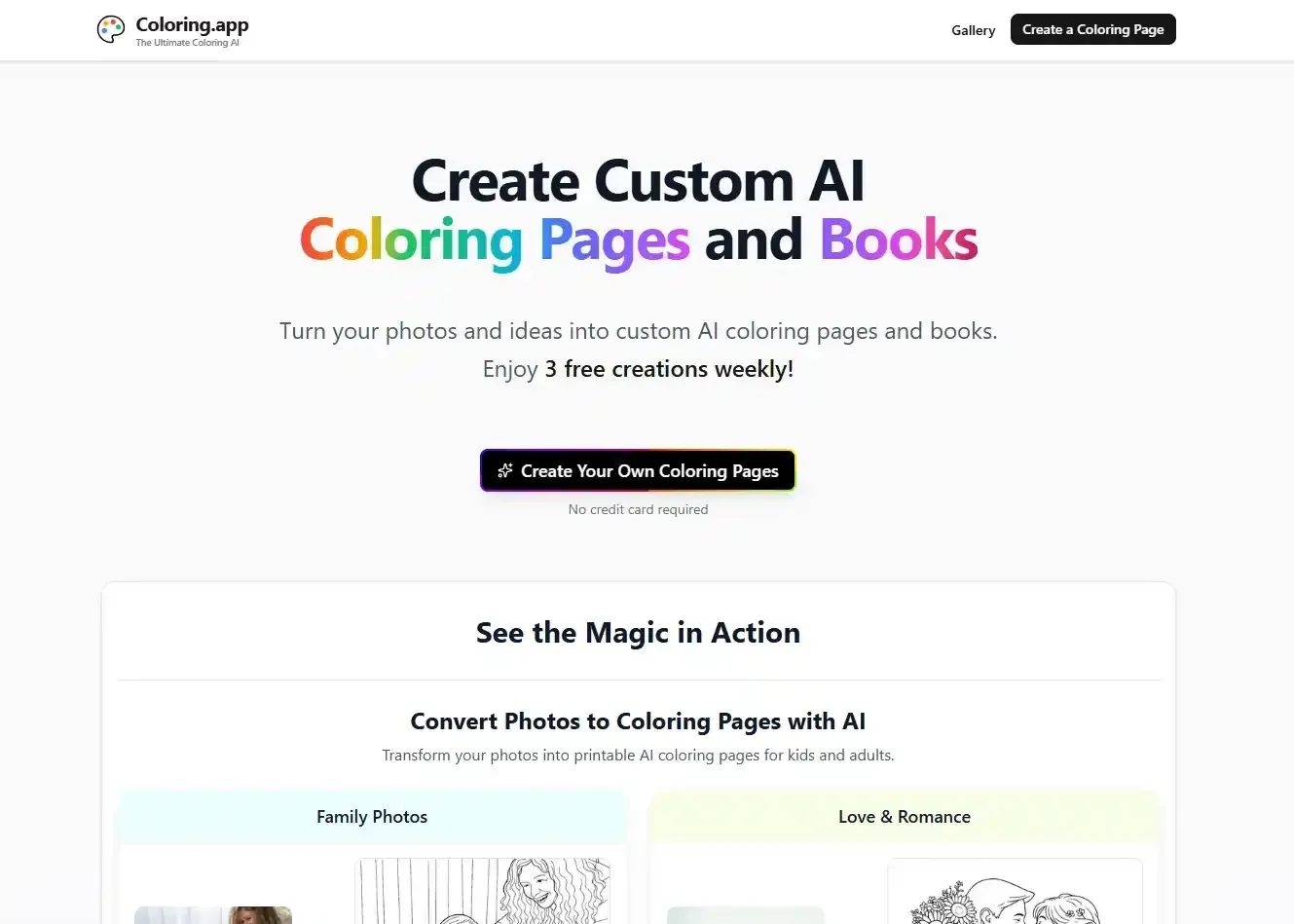
Faithful photo-to-coloring-page conversion, a gallery of 71,000+ pages, online coloring and printed books shipped to you.
Tested by Kolorii : Read our Coloring.app review Faithful photo-to-coloring-page conversion, a gallery of 71,000+ pages, online coloring and printed books shipped to you.
Find shades, palettes and gradients that work together.
Color Tools
Pick your colors and get every shade in between, as a linear or radial gradient, ready to download as a wallpaper or copy as color codes.
Kolorii
Pick your colors and get every shade in between, as a linear or radial gradient, ready to download as a wallpaper or copy as color codes.
Color on screen, with our own tools and the ones we've tried.
Coloring
Color right in your browser, nothing to install: mandalas, flowers, landscapes, with five ways to fill an area.
Kolorii
Color right in your browser, nothing to install: mandalas, flowers, landscapes, with five ways to fill an area.
Nothing in this drawer
No tool matches these filters.
Start with what you have in mind, and we'll point you to the tool that fits best.
On a computer or tablet, with no paper or supplies.
Your photos become coloring pages, and even a printed book.
Describe what you picture and the AI draws it, with no fiddly settings.
A full book to give, or a page with someone's name on it.
The shades between your colors, to download or use with your pencils.
Guides from the Kolorii Journal: our tests in detail, with screenshots and comparisons.
Looking for an AI coloring page generator? We tested 3 tools for you. Results, honest comparison, and how to turn a photo into a coloring page.
Read the comparison → Techniques · GuideLearn how to create a smooth color gradient with colored pencils, watercolor, acrylic or digital tools. Free gradient generator, palettes by color and tips.
Read the guide →Our picks for drawing on screen, linked to the cards on this page.
In the worksKolorii is a free website. When you buy through a partner link, we earn a commission at no extra cost to you: it helps us keep our coloring pages free.
A brand may also pay to be featured: the card then carries the “Sponsored” badge, and the brand never reviews our opinion before it is published.
Toolbox last updated: October 9, 2026.
Most digital artists combine a drawing or painting app, on a tablet or a computer, with a stylus or a drawing tablet, and a few helpers such as color and palette tools. AI image tools have joined the kit too: they turn a text prompt or a photo into an image or a coloring page. This page groups the tools we use or have tested, family by family.
A screen you can draw on (a tablet with a stylus, or a computer with a drawing tablet), one app you feel comfortable with, and a reliable way to pick colors that work together. Starting with a browser tool lets you try digital art before paying for software or new hardware.
Use an AI coloring page generator: you upload a photo or describe an idea, and the tool turns it into a printable coloring page. We tested three, ColorBliss, ColoringBook.ai and Coloring.app: they are in the AI Image Tools family, and our Journal comparison covers them in detail.
Some links are affiliate links, marked “Partner”: if you buy after clicking, the company behind the tool pays us a commission. The price stays the same for you, and our opinion does not depend on that commission.